> For the complete documentation index, see [llms.txt](https://ajuda.dinelink.com.br/llms.txt). Markdown versions of documentation pages are available by appending `.md` to page URLs; this page is available as [Markdown](https://ajuda.dinelink.com.br/primeiros-passos/quickstart.md).
# Início Rápido
Bem-vindo ao DineLink! Este guia ajudará você a colocar seu restaurante online e aceitar os primeiros pedidos em menos de 15 minutos.
### Os 3 Pilares da Configuração
Para começar, você precisará configurar três áreas fundamentais:
1. **Categorias**: Crie as seções do seu cardápio (ex: Entradas, Burguers, Bebidas).
2. **Itens**: Adicione seus pratos, fotos e preços.
3. **QR Codes**: Imprima os códigos para as mesas para que os clientes possam pedir.
### Fluxo de Trabalho Recomendado
{% stepper %}
{% step %}
### Cadastro Inicial
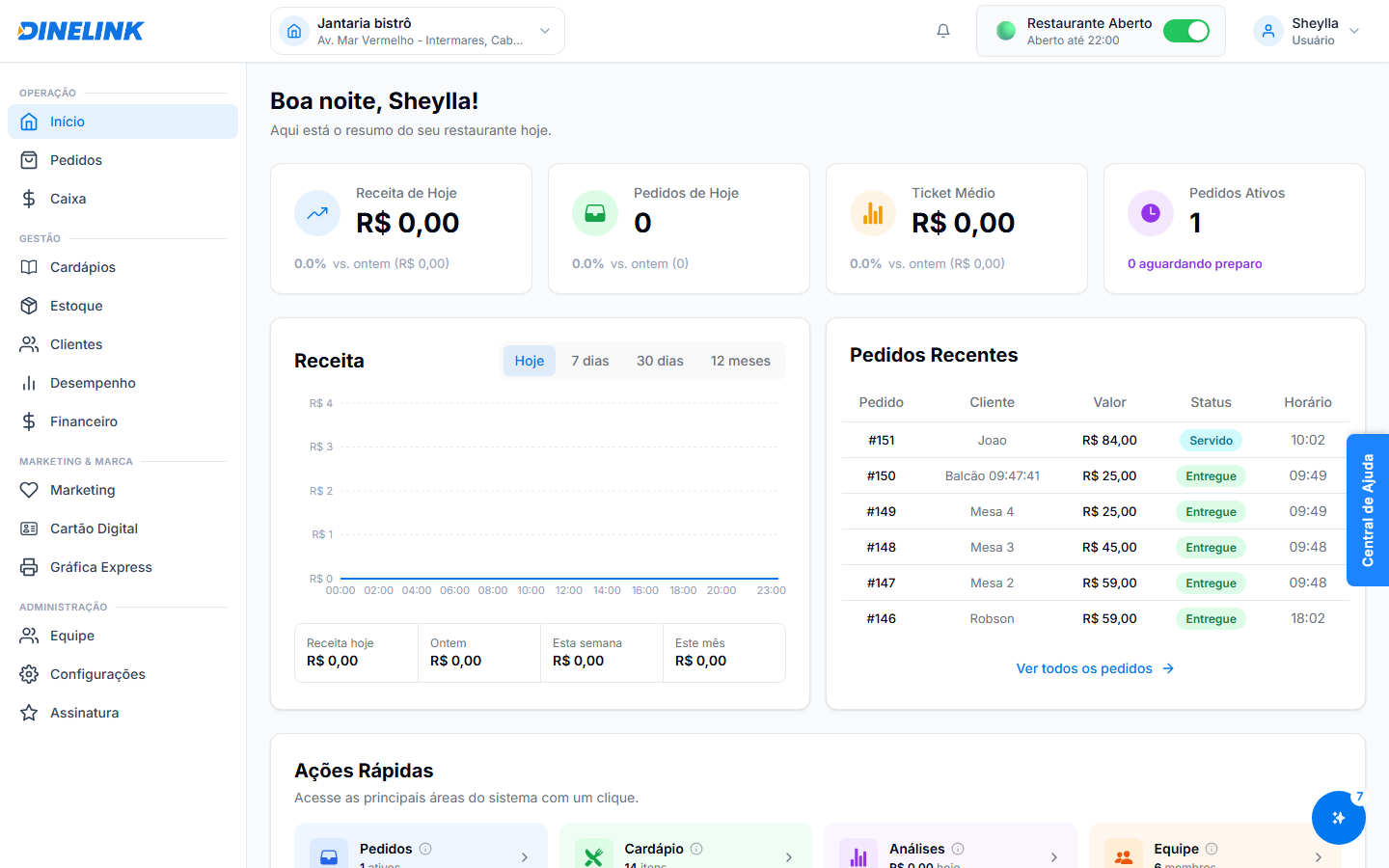
Complete seu registro no sistema e acesse o Dashboard.
{% endstep %}
{% step %}
### Crie Categorias Principais
Vá em **Cardápio > Categorias** e adicione os grupos principais.
{% endstep %}
{% step %}
### Adicione seus Itens
Cadastre os produtos em cada categoria. Lembre-se de adicionar fotos bonitas!
{% endstep %}
{% step %}
### Configure as Mesas
Em **Configurações > Mesas**, defina quantas mesas seu restaurante possui.
{% endstep %}
{% step %}
### Imprima os QR Codes
Gere e imprima os QR codes para cada mesa. Seus clientes já podem começar a pedir!
{% endstep %}
{% endstepper %}
{% hint style="success" %}
**Dica de Especialista**: Comece com seus 5 pratos mais vendidos para um lançamento rápido. Você pode adicionar o restante do cardápio gradualmente.
{% endhint %}
### Precisa de Ajuda?
Nossa equipe de suporte está disponível via chat diretamente no Painel Administrativo ou pelo WhatsApp de suporte técnico.
O Dashboard centralizado facilita o controle de todas as etapas.
---
# Agent Instructions
This documentation is published with GitBook. GitBook is the documentation platform designed so that both humans and AI agents can read, navigate, and reason over technical content effectively. Learn more at gitbook.com.
## Querying This Documentation
If you need additional information that is not directly available in this page, you can query the documentation by asking a question.
Perform an HTTP GET request on the following URL with the `ask` and `goal` query parameters:
```
GET https://ajuda.dinelink.com.br/primeiros-passos/quickstart.md?ask=&goal=
```
`ask` is the immediate question: it should be specific, self-contained, and written in natural language.
`goal` is what the user is ultimately trying to achieve, the reason they need the answer. Sharing it helps GitBook give you a better, more relevant answer. A goal is most helpful when it describes the outcome the user wants rather than restating the question. For example, with `ask=how do I create an API token`, a goal like `automate deployments from our CI pipeline` lets GitBook tailor the answer to that use case.
The response will contain a direct answer to the question and relevant excerpts and sources from the documentation.
Use this mechanism when the answer is not explicitly present in the current page, you need clarification or additional context, or you want to retrieve related documentation sections.